Smarter Meeting Placement That Settles Overlaps
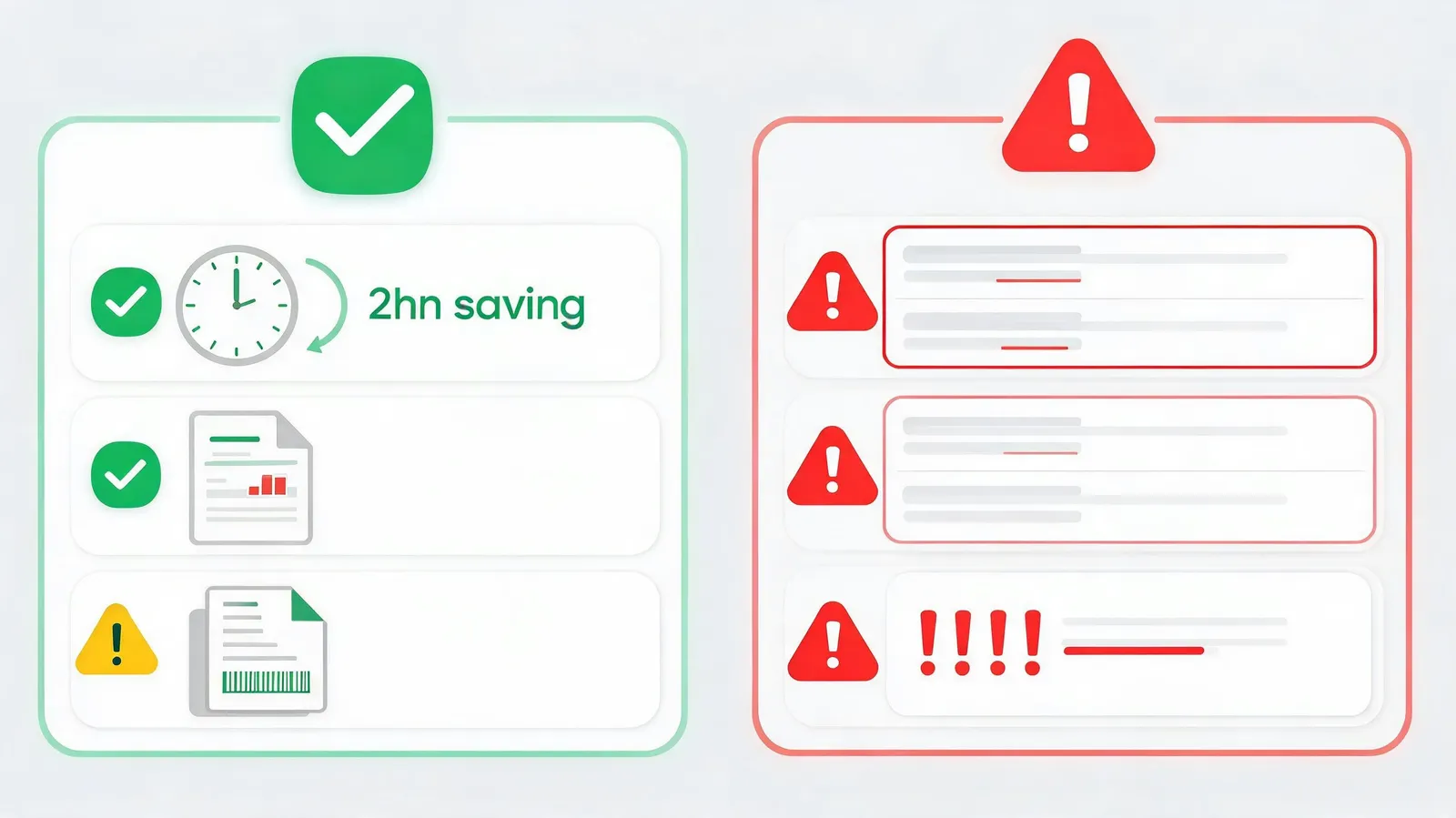
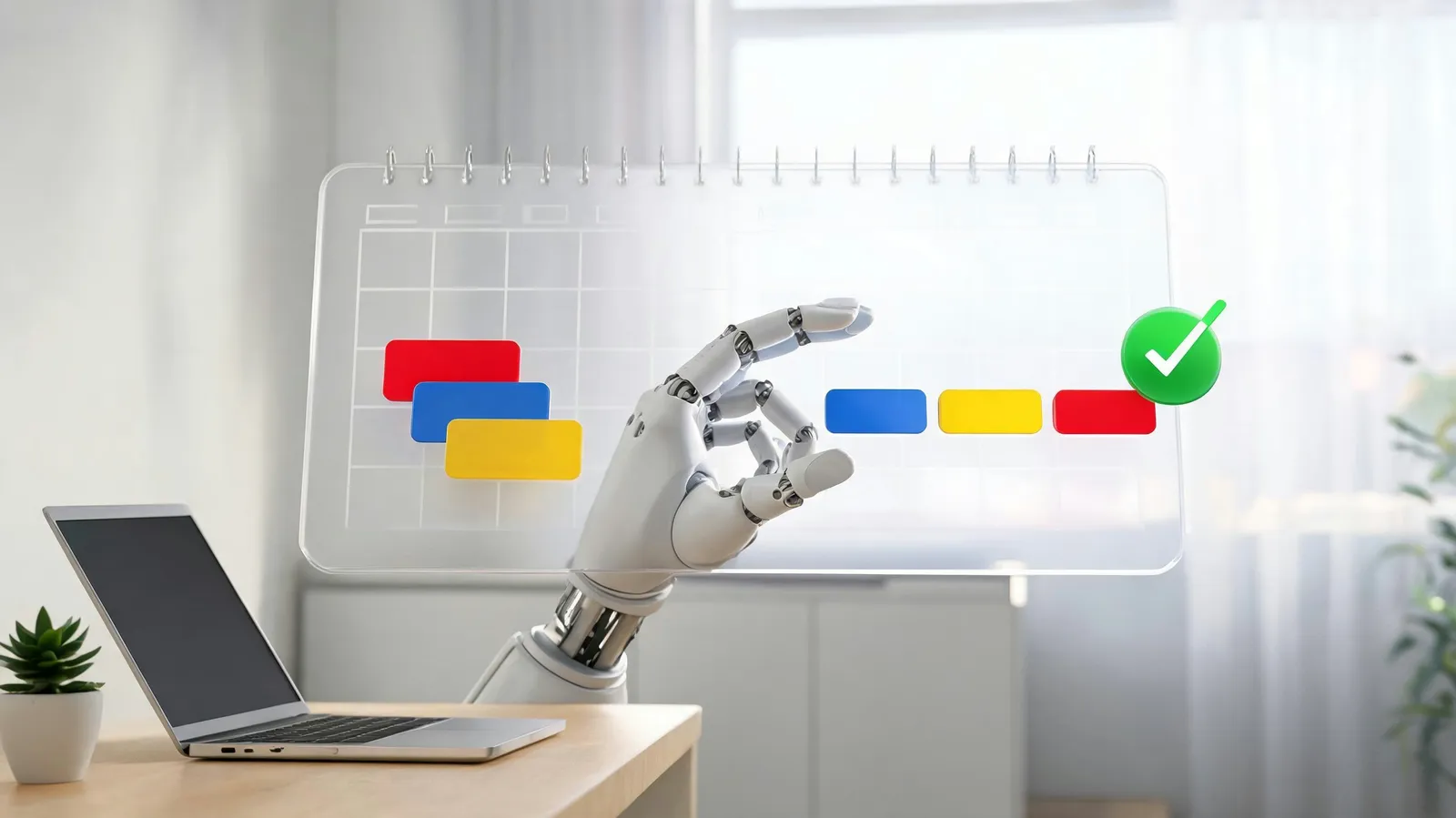
An AI scheduling assistant reads attendees' calendars, time zones and preferences, then proposes workable meeting slots—removing the email ping-pong that traditional scheduling tends to produce. Recent studies indicate that AI-driven scheduling can cut coordination emails by as much as 80%, and organizations using such tools report meeting setup running 30% faster. When the assistant spots a clash—two bookings at once or a transition too tight to manage—it offers an alternative time or moves the meeting without waiting for a person to step in.
Suppose two meetings overlap. The AI weighs attendee priorities, how long each meeting runs, and, where a meeting is in person, the time needed to travel between locations, then proposes the resolution that disrupts the least. It can also send courteous rescheduling requests on your behalf, sparing you the awkward back-and-forth. Beyond the time saved, this automation can strengthen collaboration across teams, because each participant ends up with a schedule free of clashes.
Time Blocks That Understand Your Work
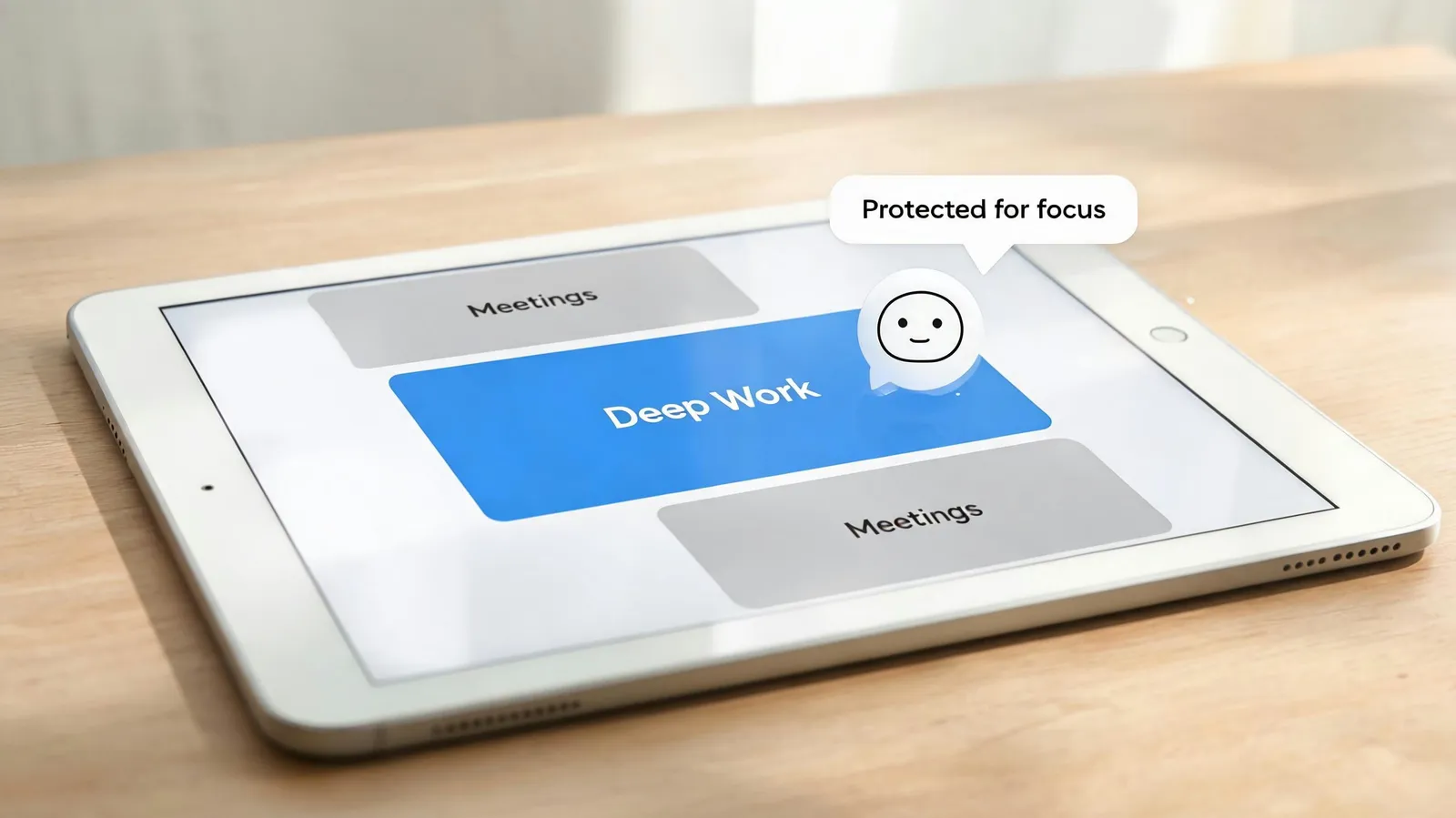
Scheduling meetings is only part of the job; the assistant also defends your focus time. It learns when you are most productive and how you prefer to work, then blocks deep-work sessions during your sharpest hours. Users say they gain roughly two additional hours of focused work each day, which they link to higher output and less stress. To limit context switching—a significant drag on productivity—the system takes account of task type, deadlines and your personal energy levels.
Connections to task managers such as Todoist and Asana let the AI read your to-do list and assign time blocks to match. If a report is due Friday, for example, the assistant might set aside two-hour deep-work blocks on Wednesday and Thursday mornings, drawing on your past focus patterns. Those blocks are then protected: low-priority invitations are declined or moved automatically. This context-aware method gives your most important work the time it deserves.
One Timeline Across Calendars, Ranked by Priority
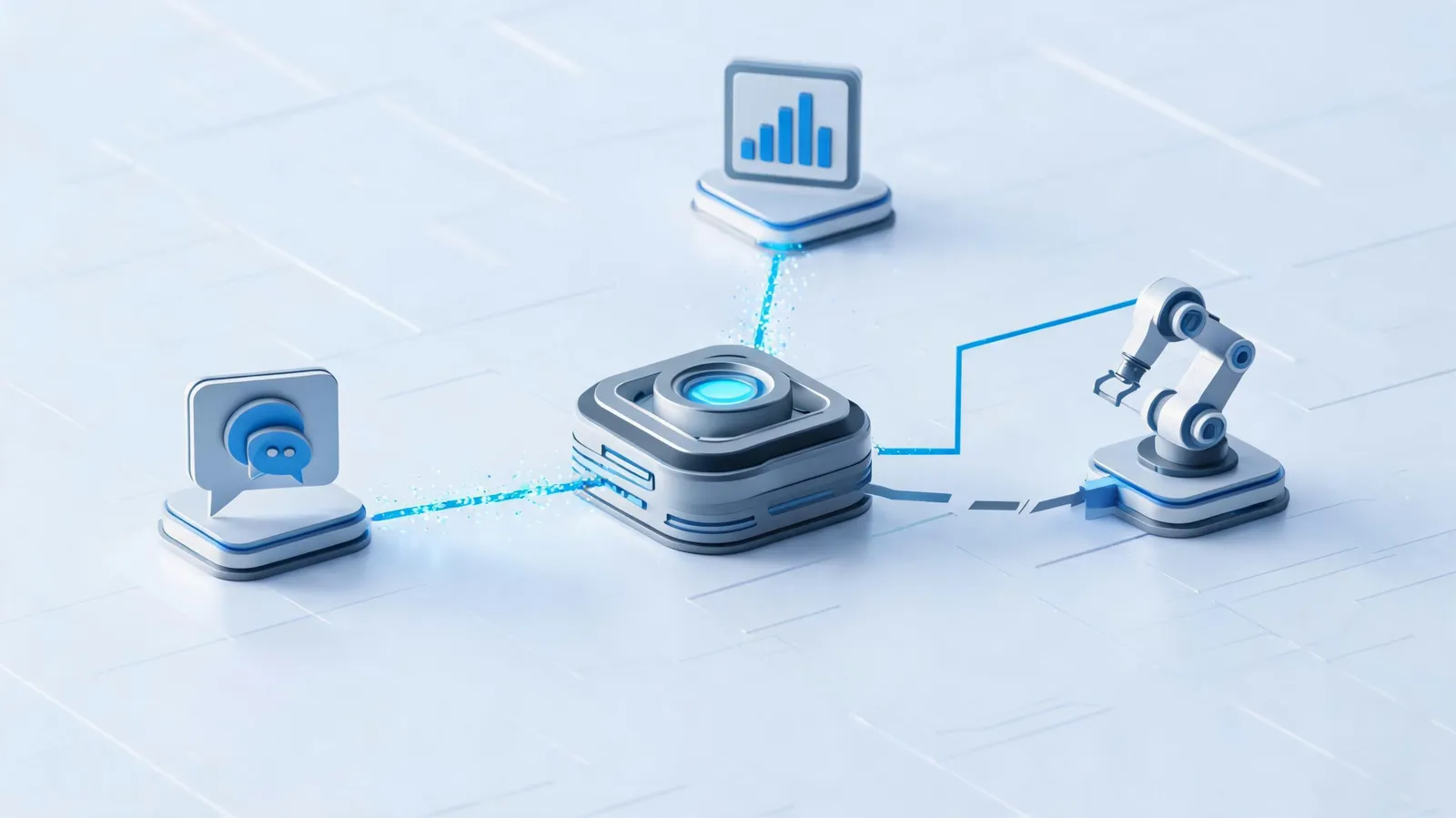
Professionals today work across several calendars at once—Outlook for the office, a personal Google Calendar, project management tools and others. An AI scheduling assistant brings these sources together into a single coherent view, which reduces missed appointments and double-bookings. It syncs Google Calendar, Outlook, iCal and project management platforms, gathering events onto one timeline so that professional and personal commitments appear together.
Synchronization is only the starting point; the assistant also ranks events by strategic value, deadline and the importance of attendees. Meetings that matter most are highlighted, while lower-value events may be flagged for delegation or decline. A recurring status meeting with no clear agenda, for instance, might be suggested for cancellation or an async update, which frees time for higher-impact work. This kind of prioritization keeps the calendar aligned with what actually matters rather than reflecting a random set of requests.
Conclusion
AI scheduling and calendar optimization mark a move away from passive time management toward assistance that is proactive and intelligent. Through predictive meeting scheduling, context-aware time blocking and cross-platform prioritization, an AI scheduling assistant turns the calendar from a source of stress into a strategic asset. As these tools develop, deeper integration with voice assistants and biometric data is expected, which would allow scheduling that adjusts to your energy and focus in real time. The future of work is less about fitting more into the day and more about taking back time for what truly matters.