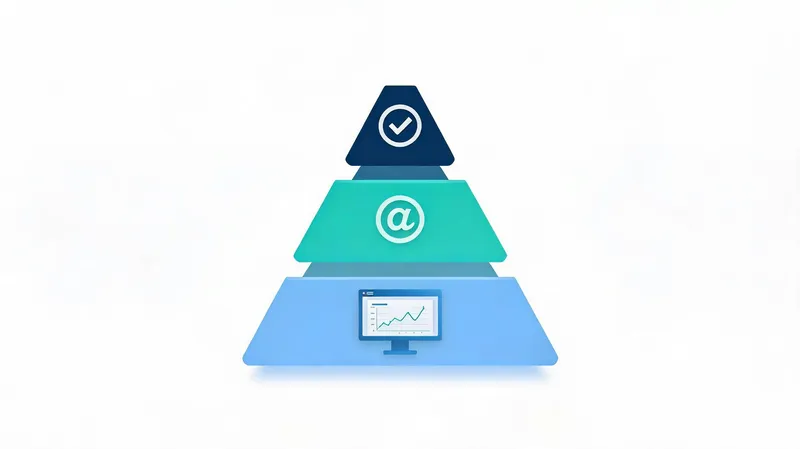
US engineering organizations operate under constant strain: ship features faster, keep quality intact. Repetitive chores, frequent context shifts, and manual review drag down conventional workflows. AI-assisted development tooling is shifting that equation, spanning everything from in-editor coding assistants to automatically generated tests, and it is reshaping both how engineers work and how the job feels day to day.
1. In-Editor Assistants and Live Completion: A Second Pair of Eyes on the Keyboard
Tools that complete code as you type — commonly called IDE copilots — behave like an attentive pairing partner, proposing code while you work. They read the surrounding context, draw on patterns in the codebase, and surface snippets that fit, which cuts boilerplate and shortens the path from idea to working code.
The central capability is contextual suggestion and auto-completion in real time. GitHub Copilot, built on OpenAI Codex, for instance, displays ghost-text proposals as you type. Research indicates developers can write code as much as 30% faster with tools of this kind. They slot into widely used editors such as VS Code, JetBrains, and Neovim with little friction, which cuts down on trips to Stack Overflow and on repetitive typing.
A second benefit is learning from existing codebase patterns to serve up fitting snippets. Copilot and comparable products are trained on millions of open-source repositories as well as your own code, so their suggestions reflect context. Teams that adopted GitHub Copilot report spending 25% less time hunting for answers online. Beyond raw speed, this helps keep coding conventions consistent across a project.
2. Review Automation and Pull Request Support: Merging Sooner, With Better Judgment
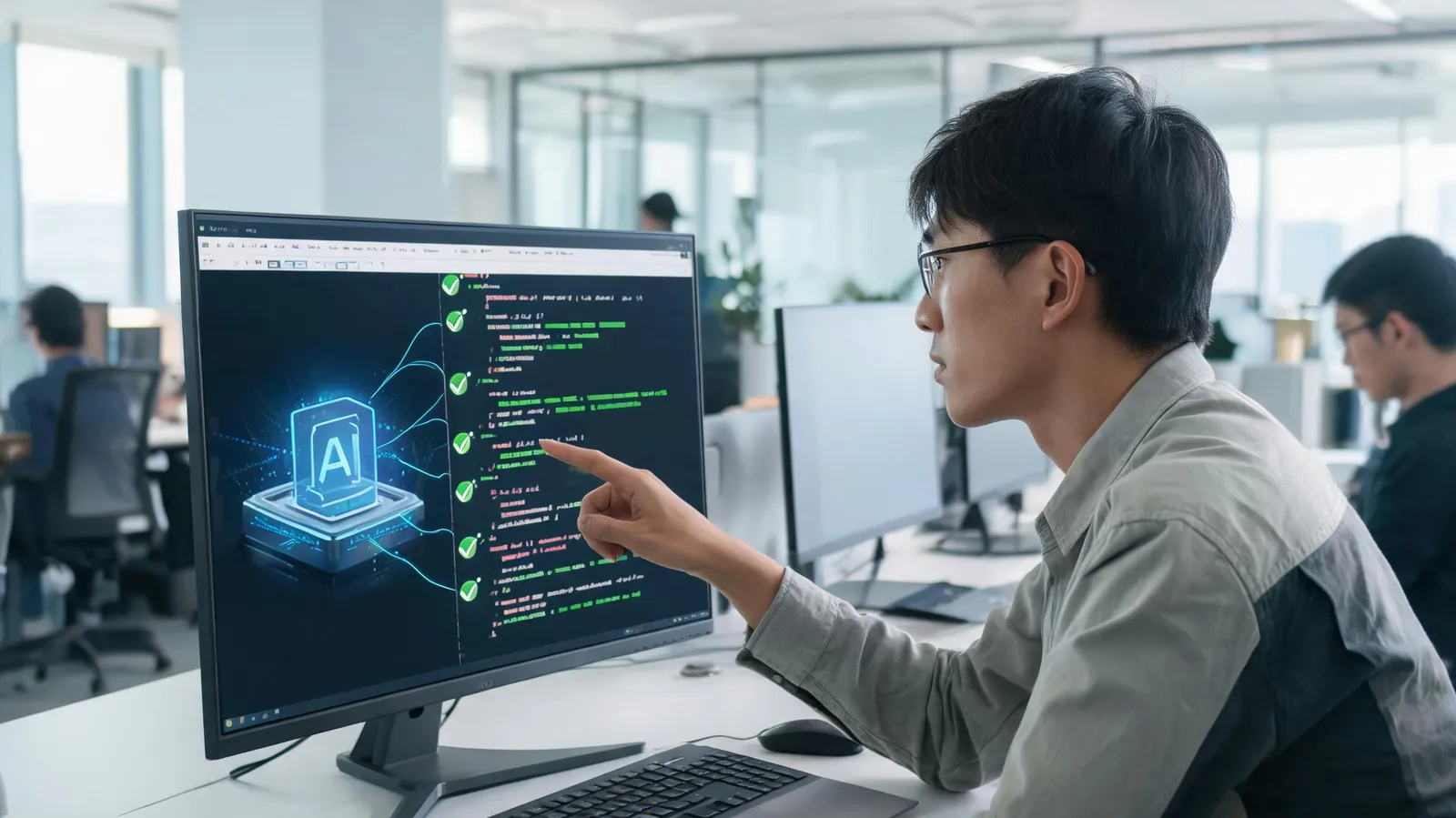
Review is essential, yet it consumes substantial time. AI tooling can take over static analysis, defect detection, and style enforcement, which makes pull requests move faster and with more insight.
Static analysis and bug detection driven by AI inside pull requests surface problems early. Products such as Amazon CodeGuru and DeepCode examine code for security flaws, performance bottlenecks, and anti-patterns. A 2024 study found that teams using AI review tools cut review time by 40% and saw post-merge defects fall by 30%. These tools hook into GitHub, GitLab, and Bitbucket and post comments directly on diffs.
Automated improvement suggestions and style compliance keep standards steady. AI review bots can propose refactors, enforce coding conventions, and even fix straightforward issues on their own. Case studies from organizations such as Microsoft indicate that AI-assisted review contributes to higher code quality and quicker merges. Developers note a lighter cognitive load, which frees attention for complex logic.
3. Generating Tests and Automating Debugging: Quality Without Slowing Down
Testing and debugging matter, but the work is often tedious. AI can draft test cases, surface edge cases, and help track down defects, which trims manual effort and widens coverage.
Producing test cases from code and requirements with AI is changing QA practice. Tools including Diffblue Cover and EvoSuite generate unit tests automatically for Java and other languages. They inspect code and build tests that reach high coverage, frequently finding edge cases that people overlook. Early adopters report a 50% rise in test coverage and 30% less time spent writing tests.
AI-assisted debugging and root cause analysis shorten the path to a fix. By examining logs, stack traces, and code changes, AI can identify underlying causes. Wired into CI/CD pipelines, these tools can lower mean time to resolution (MTTR) by as much as 35%. Rookout and Sentry, for example, apply AI to propose fixes and learn from earlier incidents.
4. Gauging Productivity and the Developer Experience: Look Past Line Counts
Productivity resists simple measurement. Conventional indicators such as lines of code mislead. What matters instead is outcomes and how developers experience their work.
Cycle time, deployment frequency, and change failure rate — the DORA (DevOps Research and Assessment) metrics — are the measures to watch. AI tools can move these numbers by smoothing workflows: automated testing and review shorten cycle time, while copilots support more frequent deployment. Survey responses indicate that developers who use AI tools report greater satisfaction and less burnout.
Developer experience and burnout reduction deserve serious weight. A 2024 Stack Overflow survey found that developers equipped with AI tools are more inclined to remain with their employer and report a better work-life balance. Qualitative accounts stress that AI absorbs routine work, leaving developers room for creative problem-solving.
Conclusion
The productivity case for AI in software development rests on concrete results across the lifecycle rather than marketing claims. Coding assistants speed up writing; automated review, test generation, and debugging add efficiency and improve how the job feels. These tools extend what developers can do — handling repetitive work and offering intelligent support — rather than standing in for them.
Going forward, AI is set to embed more deeply in the development lifecycle, opening the door to predictive analytics and assistance tailored to individual developers. As the tooling matures, it will become hard to do without for teams that intend to compete. For modern software organizations, adopting AI is a strategic necessity rather than an optional extra.