Gauging Real Productivity Gains from AI Pair Programmers
AI coding assistants such as GitHub Copilot, Amazon CodeWhisperer, and Tabnine have moved into the mainstream of development work. Still, assessing what they actually contribute requires looking past raw speed. Conventional yardsticks—lines of code, story points, or hours logged—do not capture the subtle ways AI assistance changes outcomes. A more suitable approach is quality-adjusted productivity measurement, which weighs efficiency alongside the integrity of the output.
Establishing Productivity Metrics for AI-Assisted Work
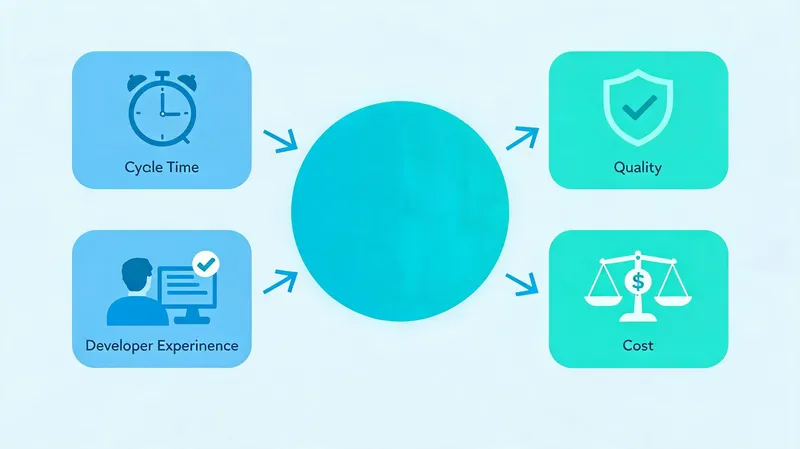
Useful measurement starts with metrics tied to business results. Cycle time—from first commit to production deployment—serves as a solid indicator. A 2024 case study of a mid-sized SaaS company found that after adopting AI pair programming, cycle time fell by 20%, but only in combination with automated testing and code review. Pull request throughput also rose, yet the same study recorded a 15% increase in code churn (lines reverted or modified within three weeks), which suggests that some of the speed gain was offset by rework.
To capture these metrics, teams should instrument their CI/CD pipelines for time-to-merge, code churn, and defect density. Tools such as LinearB, Code Climate, and GitHub Insights can automate the data collection. It matters that metrics be segmented by developer experience level and project complexity, so that conclusions are not misleading.
Quality-Adjusted Productivity and Developer Satisfaction
Speed without quality is a hollow win. Research from Stanford University (2023) indicates that while AI assistants cut time spent on boilerplate code, they can also foster a "copy-paste" mentality that produces subtle bugs. A survey of 500 developers found that 70% reported less frustration when using AI assistance, mainly because of fewer context switches and faster access to examples. Yet the same survey found that 45% felt their debugging skills had atrophied slightly.
Quality-adjusted productivity can be quantified with a composite index: (features delivered × quality score) / (time + rework). The quality score can be built from static analysis warnings, test coverage, and post-release defect rates. Organizations should also gauge developer satisfaction through regular pulse surveys, since high morale is correlated with long-term productivity.
Quality and Maintainability of AI-Generated Code
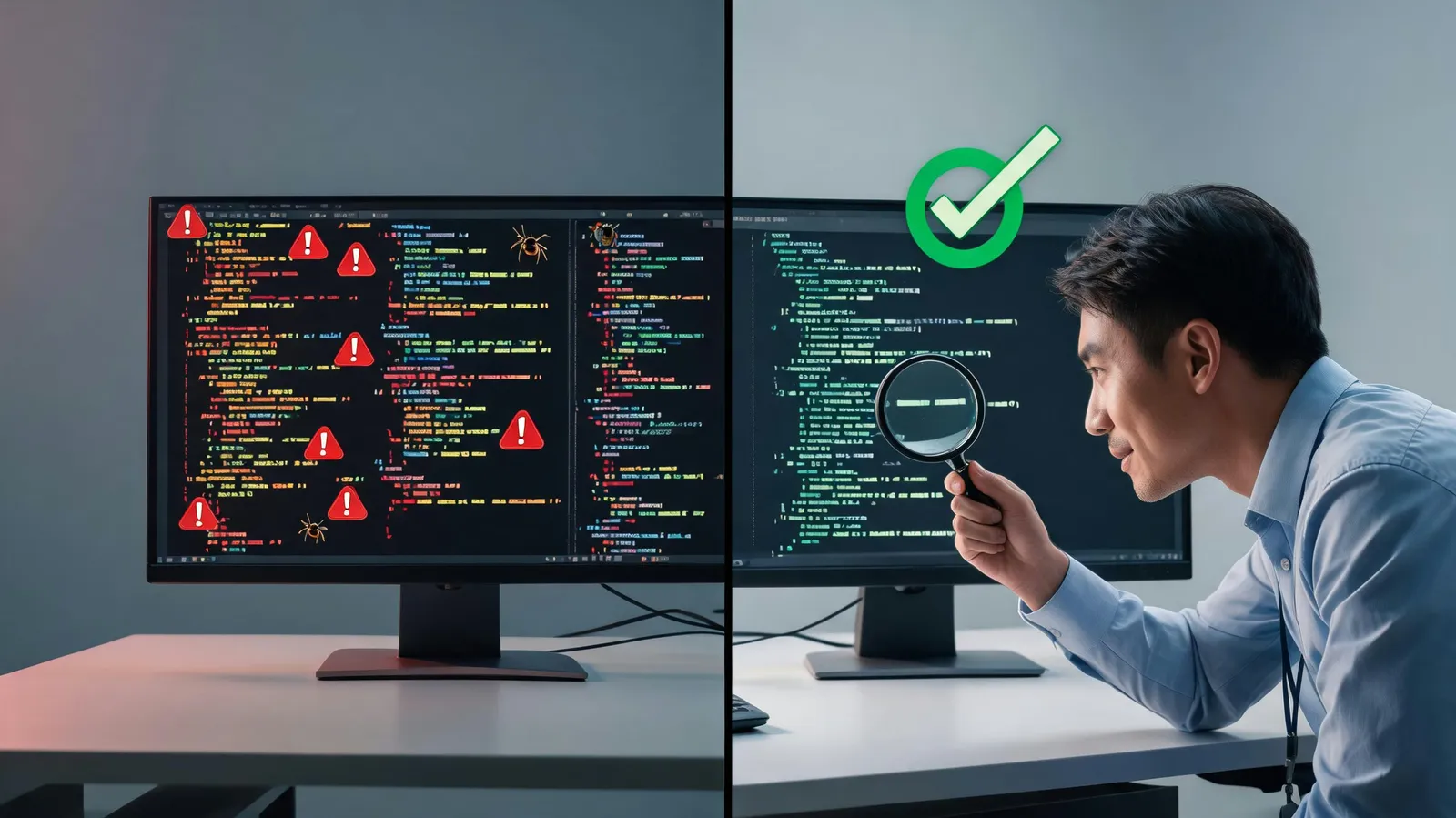
The ease of generating code with AI carries notable quality risks. A 2024 study by the University of Quebec analyzed more than 1,000 AI-generated code snippets and found that 30% contained at least one security flaw, such as SQL injection or hardcoded credentials. Beyond security, maintainability suffers from duplication, outdated patterns, and inconsistent style. For instance, AI models trained on older codebases may propose deprecated API calls, which creates technical debt.
Frequent Quality Problems in AI-Generated Code
Duplication is widespread: AI assistants often reproduce similar code blocks in different parts of an application, which violates DRY principles. Outdated patterns—such as synchronous I/O in Node.js when async/await is standard—can degrade performance. Security vulnerabilities are perhaps the most alarming; AI models may inadvertently suggest code that bypasses input validation or uses weak cryptography.
Maintainability challenges include missing comments, inconsistent naming conventions, and absent error handling. These problems compound over time, making codebases harder to refactor and extend. A 2023 GitHub survey found that 60% of developers using AI assistants reported spending more time reviewing AI-generated code than human-written code.
Practices for Moving AI-Generated Code into Production
To reduce these risks, organizations need robust review processes. A code review checklist tailored to AI-assisted contributions should cover verifying input sanitization, checking for deprecated APIs, ensuring proper error handling, and confirming adherence to style guides. Automated linting and static analysis tools—such as SonarQube, ESLint, and Snyk—can catch AI-specific issues like insecure defaults or duplicated logic.
Teams should also adopt a "human-in-the-loop" policy: no AI-generated code merges without explicit human approval. Pair programming sessions in which a senior developer reviews AI suggestions in real time can improve quality as well. Finally, fine-tuning AI models on internal codebases can reduce outdated patterns and align suggestions with team standards.
How AI Coding Assistants Affect Junior Developer Skill Development
The influence of AI coding assistants on junior developers cuts both ways. AI can speed learning by supplying instant examples and explanations. At the same time, it risks producing developers who can assemble code but lack deep problem-solving skills.
Potential Benefits: Faster Learning Through Instant Examples
Junior developers using AI assistants often report quicker onboarding. A 2024 case study at a fintech startup found that junior developers using AI assistants completed onboarding tasks 40% faster than those without. AI tools offer contextual documentation, alternative solutions, and immediate feedback, which can deepen understanding when used actively. For instance, when a junior developer asks an AI assistant to explain a complex regex, the response can serve as a mini-tutorial.
Risks: Over-Reliance, Weaker Problem-Solving, and Shallow Understanding
However, excessive reliance on AI can hinder skill development. Research from Microsoft (2023) indicates that junior developers who used AI assistants for more than 70% of their coding tasks showed weaker debugging skills compared with those who used AI sparingly. The risk is that developers accept AI suggestions without understanding the underlying logic, which leads to shallow knowledge.
To counter this, organizations should implement structured mentorship programs. Senior developers should review AI-generated code with juniors and explain why certain suggestions are flawed. Encouraging juniors to attempt problems independently before consulting AI can also build resilience. Regular code katas and debugging exercises without AI assistance can further strengthen foundational skills.
Cutting Context Switching with AI-Powered IDE Workflows
Context switching quietly erodes productivity. A study by the University of California, Irvine, found that developers take up to 23 minutes to refocus after a context switch, such as moving between documentation, Stack Overflow, and code. AI-powered IDE features can sharply reduce these interruptions by keeping developers in a state of flow.
The Cost of Context Switching: Lost Productivity and Cognitive Load
Each time a developer leaves the IDE to search for documentation or an example, a cognitive cost is incurred. The brain must disengage from the current problem, process new information, and then re-engage—often losing the thread of thought. Over a day, these micro-interruptions can accumulate to hours of lost productivity. Moreover, the cognitive load of managing multiple windows and tabs increases stress and reduces code quality.
AI-Powered IDE Features That Keep Developers in the Flow
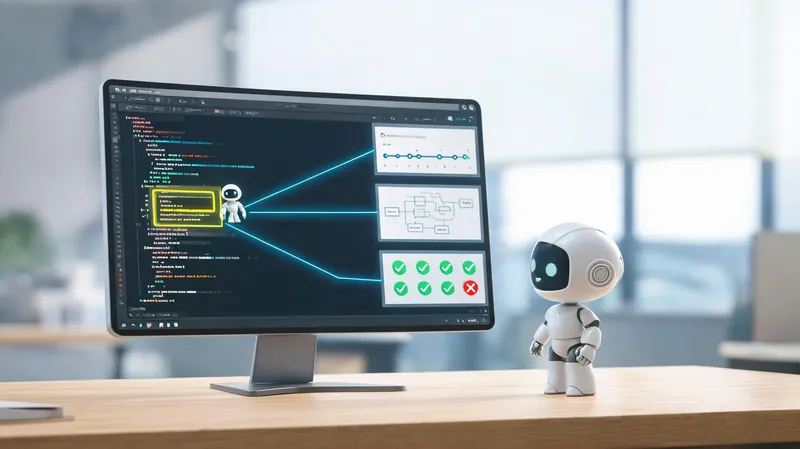
Modern AI-enhanced IDEs, such as Visual Studio Code with GitHub Copilot, offer inline documentation, code explanations, and AI-driven code search. For example, a developer can hover over a function to see an AI-generated explanation without leaving the editor. AI can also suggest refactoring patterns and automatically generate unit tests, reducing the need to switch to a testing framework. Integrated chat interfaces allow developers to ask questions and get answers without opening a browser.
To maximize these benefits, teams should configure their IDEs to surface AI assistance contextually. Keyboard shortcuts for invoking AI suggestions, custom prompts for common tasks, and integration with internal knowledge bases can further minimize context switching. Training developers on these features is essential—many are unaware of the full capabilities of their AI tools.
Conclusion
AI pair programmers offer genuine productivity gains, but only when organizations measure them with quality-adjusted metrics, enforce rigorous code review, support junior developer growth, and leverage AI-powered IDE workflows to reduce context switching. The evidence is clear: speed without quality is unsustainable, and over-reliance on AI can erode critical skills. By adopting a balanced approach—tracking cycle time and code churn, implementing AI-specific review checklists, mentoring juniors, and optimizing IDE workflows—teams can achieve sustainable productivity improvements without sacrificing code quality or developer development.
The future of AI-assisted coding lies in context-aware, team-learning systems that adapt to organizational patterns. Organizations that proactively address today's challenges will be best positioned to harness the next wave of AI innovation, turning productivity potential into lasting competitive advantage.